Skip to product information
1 of 5

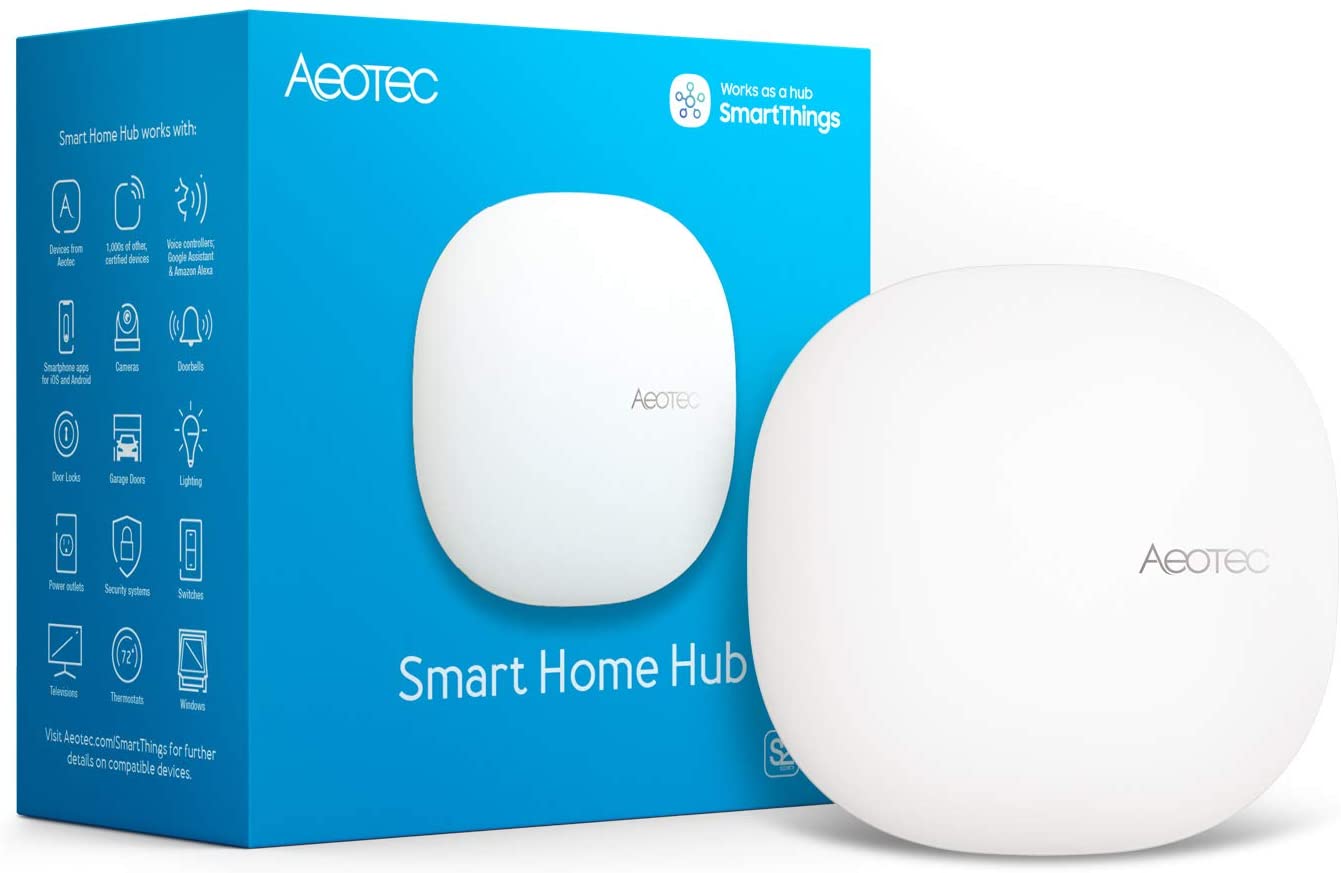
Smart Home Hub; SmartThings, Z-Wave, ZigBee, Matter, WiFi enabled gateway

Aeotec Smart Home Hub; SmartThings, Z-Wave, ZigBee, Matter, WiFi enabled gateway

The ultimate all-in-one, ready-to-go smart home hub.

Maker
SKU
GP-AEOHUBV3US
Technology
Z-Wave, Zigbee, Matter, Thread, Wi-Fi
Unit Price
Regular price $14999 USD
Sale price $14999
Regular price $159.99 USD
Shipping
Calculated at checkout
Style
 

Dreaming of a seamless smart home experience? Your journey starts with the foundation: the hub. Ditch the complicated DIY options and step into the future with the Aeotec Smart Home Hub v3, powered by Samsung SmartThings. This all-in-one gateway and hub is your key to effortless smart living, offering unparalleled compatibility and powerful automation possibilities.

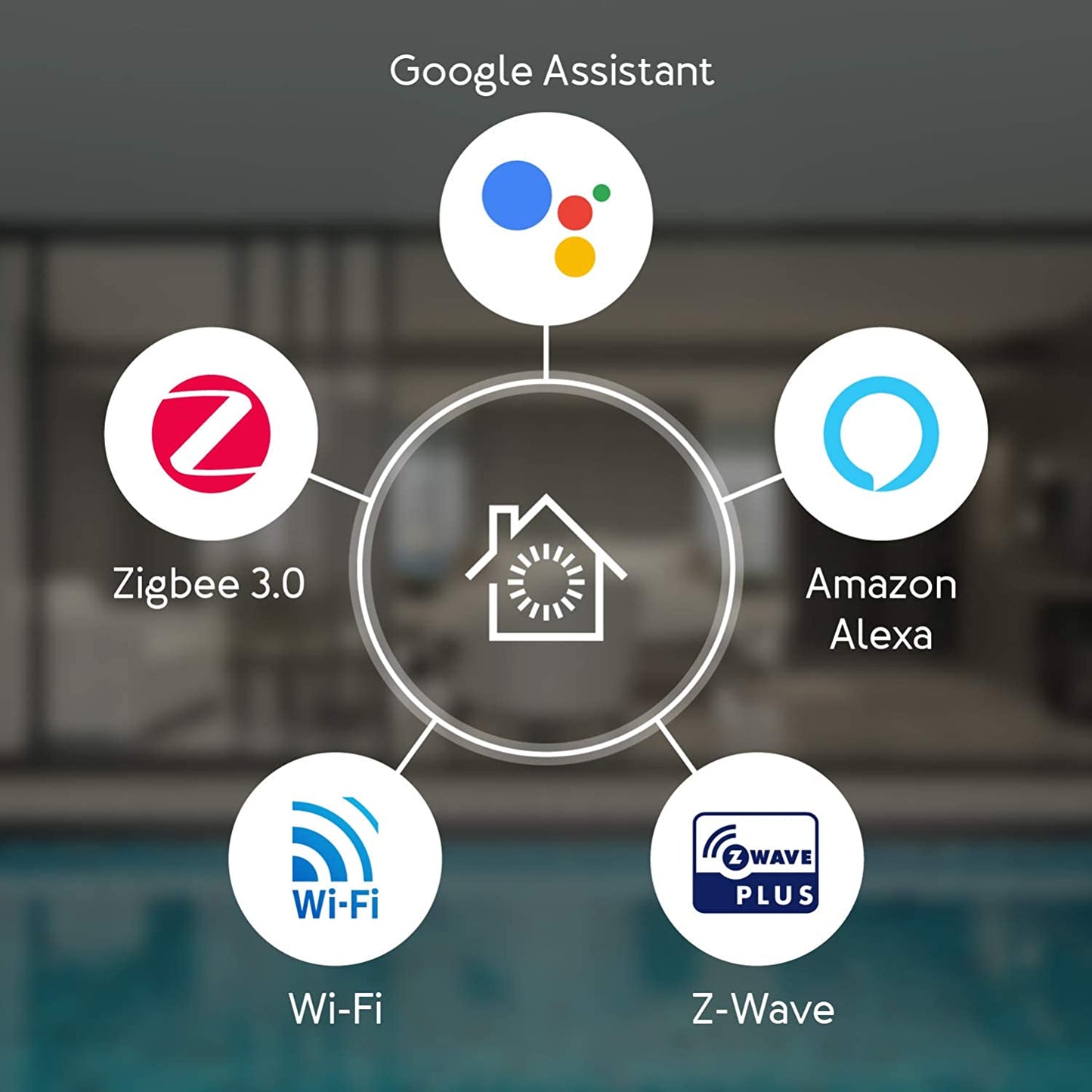
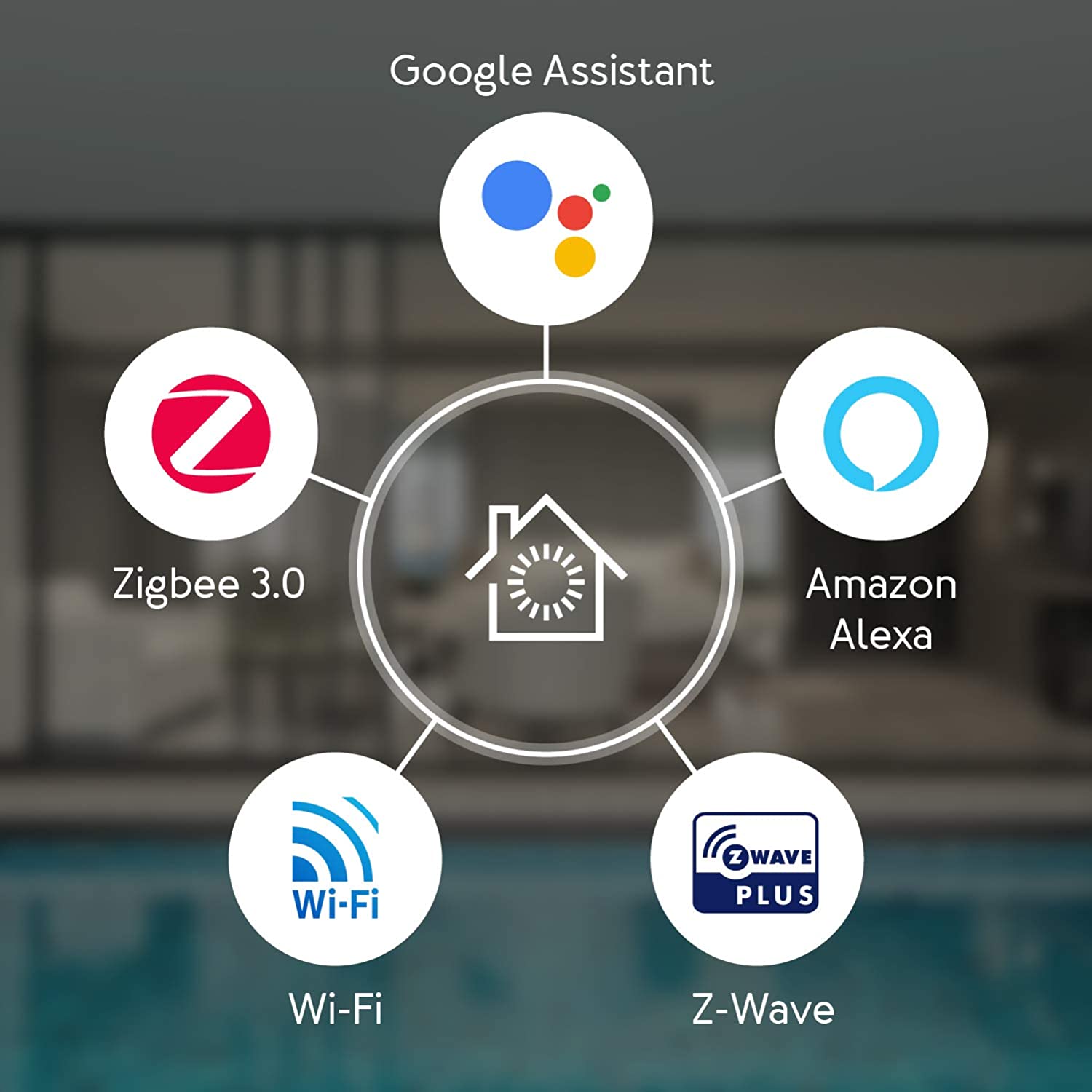
Forget juggling multiple protocols and struggling with fragmented ecosystems. The Aeotec Smart Home Hub v3 seamlessly integrates Z-Wave Plus, Zigbee 3.0, WiFi, and the future-proof Matter, empowering you to connect and control an expansive range of devices from hundreds of brands. Whether you're craving smart lighting, personalized security, or a voice-controlled haven, the possibilities are endless.

More than just a hub, it's your intelligent home conductor. Create custom scenes and routines to simplify your life, automate tasks for ultimate convenience, and enjoy hands-free control with voice assistants. Experience the peace of mind of robust security measures and the freedom to personalize your smart home exactly the way you envision it.

The Aeotec Smart Home Hub is compatible with over 5,000 other smart products, including Z-Wave, Zigbee, and WiFi devices. Some of the most recognizable compatible brands include Google, Amazon, Sonos, Samsung, Ring, Nest. You can even connect with audio systems from Sonos, cameras from Nest, Aeotec, and Arlo, and Ring Video doorbell.

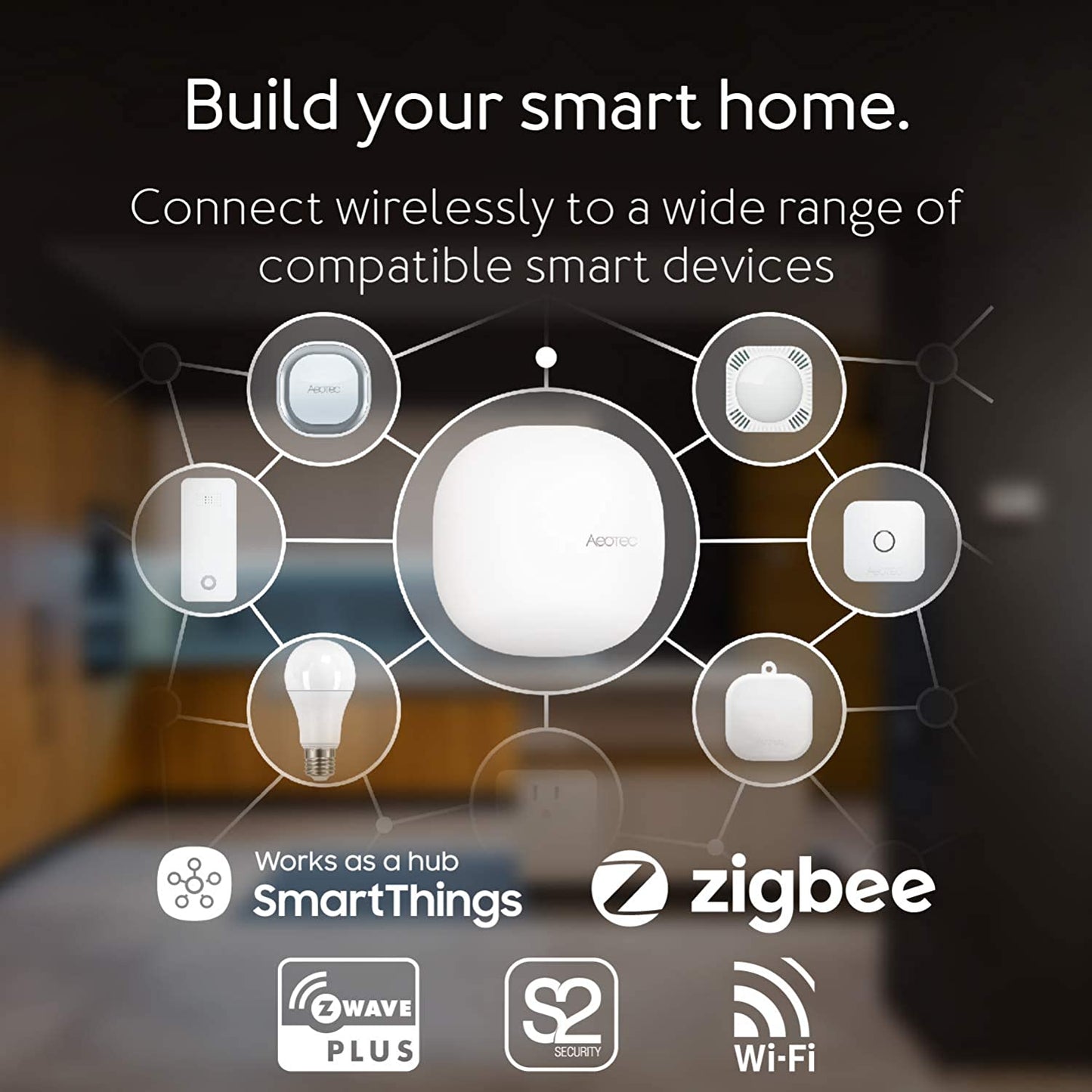
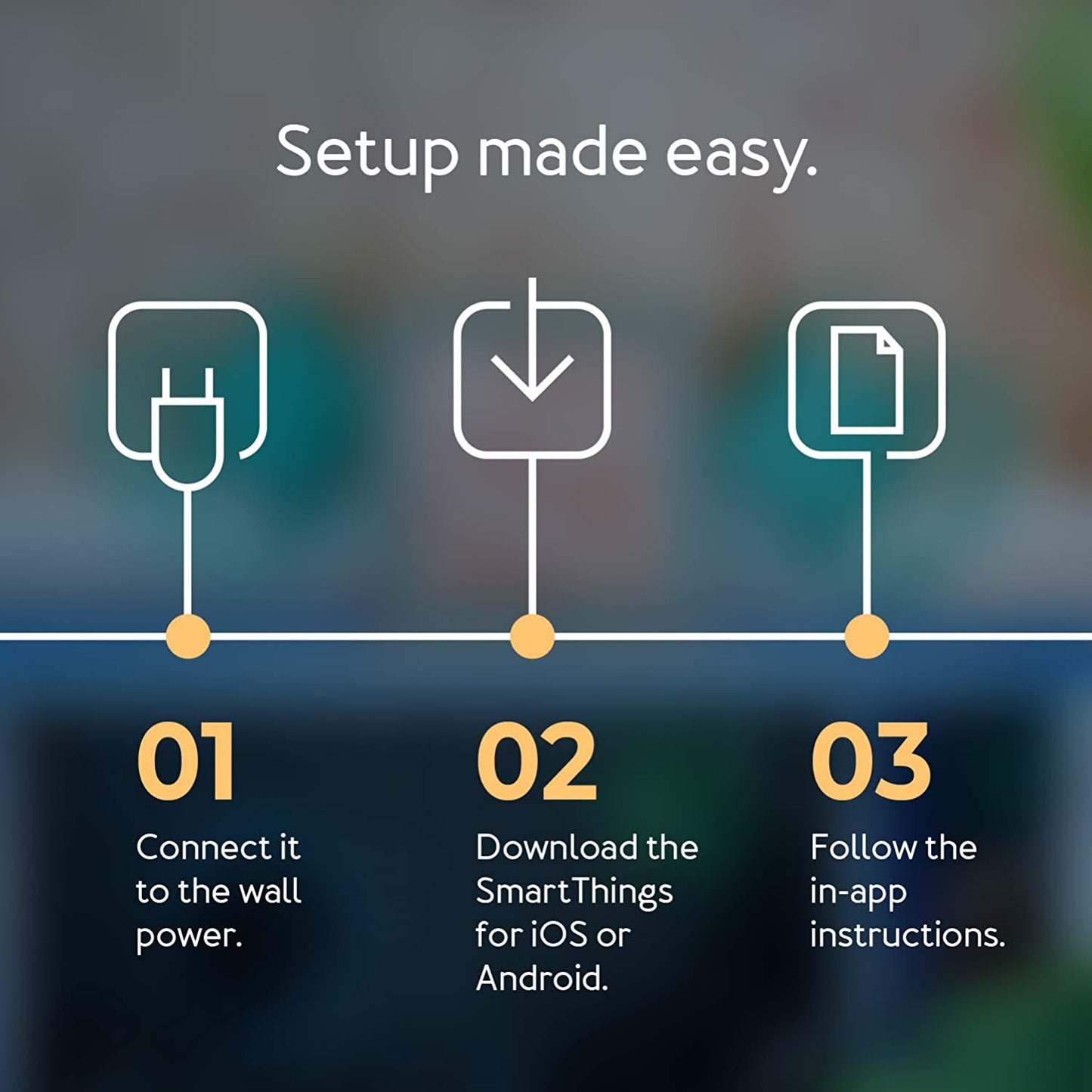
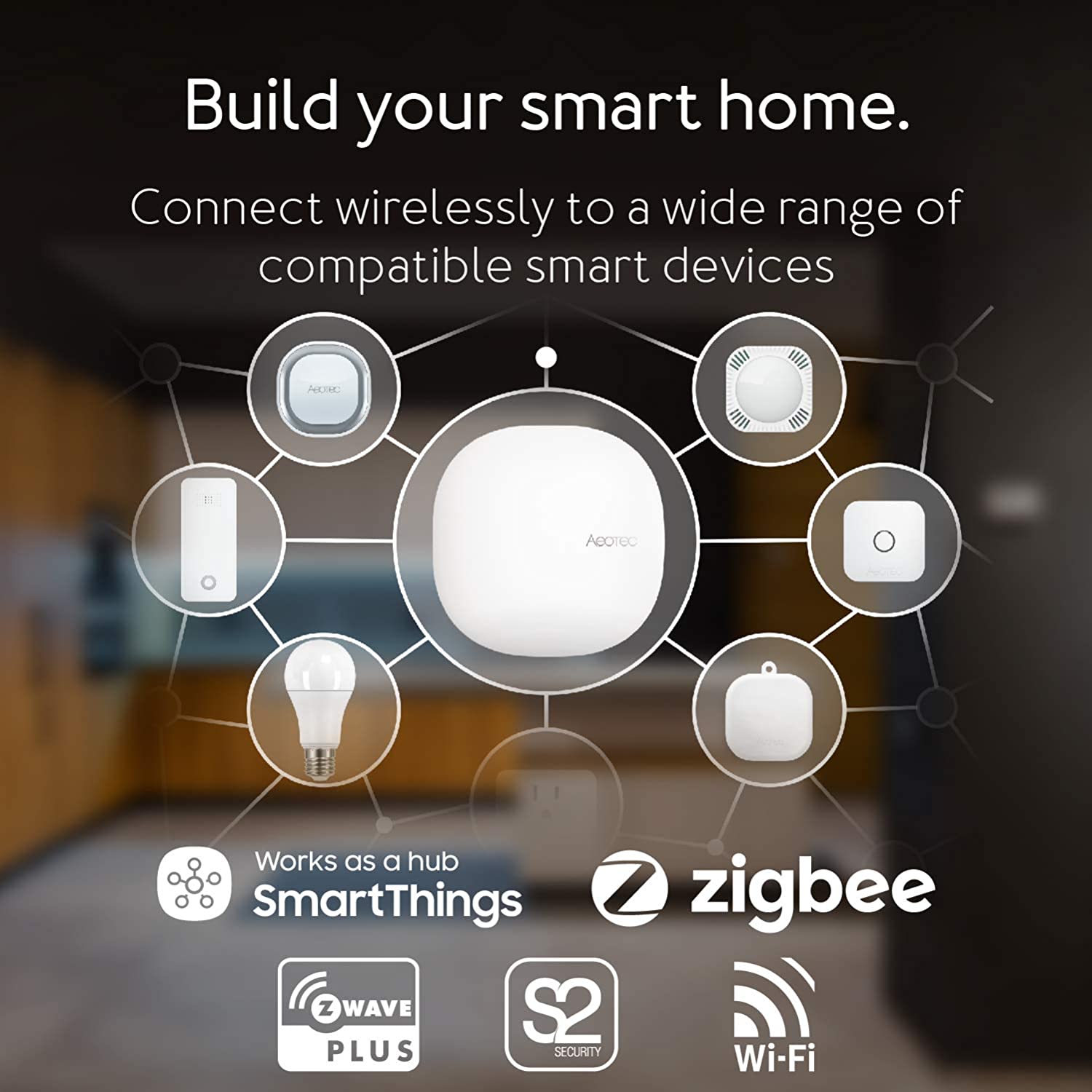
Aeotec Smart Home Hub is the central controller and the intelligent brain of your home's automation system. It allows you to wirelessly connect a wide range of compatible smart devices from Aeotec and other makers to build smart lighting, safety, entertainment, and security for your home and manage all of its connected electronics. Using the SmartThings app for iOS and Android, you'll be able to create automated routines that meet your family's routines from morning to night. Lights will brighten as you wake, and your home's electronics will power off when you sleep.

Turn Your House Into A Smart Home
Of course, the Aeotec hub is the perfect device to turn your house into a smart home. The Aeotec smart home hub works to seamlessly connect your devices together wirelessly. This way, they can effectively operate together. In addition, you can use the smart home hub by Aeotec to monitor and control all the connected devices throughout your house. Whenever there is unexpected activity, your smart home control hub will send you instant alerts. Of course, this is important to help you monitor your smart home activity remotely. With your SmartThings smart home hub gateway, you can rapidly know when doors are opened, visitors arrive, or when noise disturbances occur. Surely, the smart home monitoring hub by SmartThings is an excellent solution to improve your house’s security and technology.

This Aeotec Smart Home Hub leverages the same hardware used in the SmartThings Hub v3, optimized to work seamlessly with all new features of the current SmartThings app and ecosystem.

Compatibility

This hub is compatible with Z-Wave and Zigbee.

View full details
  • fast delivery

    Free, Fast Shipping

    Free shipping in the USA for orders over $150. Or $5 for orders $99 and under.

  • 1 Year Warranty

    All new items, including open box, covered by 1 year warranty.

  • returns

    Hassle-Free Returns

    Returns within policy accepted up to 30 days after purchase.

Frequently asked questions

Is SmartThings being discontinued or going away?

+
No, but there are some changes. Select SmartThings hardware, including Hub v3, will be rebranded from Samsung to Aeotec - you can see the full SmartThings product range here. The SmartThings platform, including the app, will continue to be developed by the team at Samsung's SmartThings and branded SmartThings.

Does the SmartThings hub or app require a subscription? Is it free?

+
No, SmartThings doesn't charge users a monthly fee for their software, app or to use the Aeotec Smart Home Hub.

However, SmartThings' Smart Home Hub can connect to a huge range of compatible devices and it is possible that you purchase a 3rd party device or service that requires a monthly subscription fee to use. For example, home security and SmartThings services can be purchased which may incur a monitoring charge.

Please check with the manufacturer of any accessory or product that you connect to SmartThings to understand if 3rd party products will charge you a monthly fee for their use.

What is Smart Home Hub's wireless range?

+
Wireless performance depends more on the products you connect to SmartThings than the hub itself. The hub can control Z-Wave devices that are up to 30m / 98ft away or Zigbee devices at 39 m / 130 ft away. Ultimately, it will depend on the construction of the home the hub resides in.

What can I connect to a SmartThings hub?

+
SmartThings and Aeotec Smart Home Hub are compatible with over 5,000 different devices from hundreds of different brands. That includes brands such as Aeotec, Bosch, Bose, GE, Google, Honeywell, IKEA, Lutron, Philips Hue, Ring, Samsung, Sonos, and Yale.

A list of devices compatible with SmartThings software is available and tracks nearly 1,000 products from over 100 different brands. An additional list of SmartThings edge drivers, which can improve the performance of products within the SmartThings system, is available at that link.

Which version of Z-Wave does Aeotec Smart Home Hub use?

+
Built atop of Z-Wave Plus, Aeotec Smart Home Hub utilizes Z-Wave 500 series. It's compatible with 700 series products, but doesn't have the advantages of either 700 or 800 series itself. Learn more at this list of the hub's specifications.

Which versions of Z-Wave is SmartThings compatible with?

+
SmartThings and Aeotec Smart Home Hub are compatible with all generations of Z-Wave, including the two versions Z-Wave Plus V2, 700 series and 800 series.

Does Aeotec Smart Home Hub support Wi-Fi devices?

+
Yes, including the Aeotec indoor camera for SmartThings. Other wi-fi devices work as well but indirectly. Smart Home Hub offers Wi-Fi 802.11 a/b/g/n/ac, amongst other wireless technologies. However, in most cases Wi-Fi is used for Internet connectivity and not to connect directly to smart Wi-Fi devices. Instead, the SmartThings app will commonly route connections to compatible Wi-Fi devices through the device maker's cloud connexion.

Will ADT sensors work with SmartThings & Smart Home Hub?

+
Only the ADT Water Leak Detector will. All other ADT sensors will not work; they use proprietary, wireless technology and not an open-standard that Smart Home Hub is compatible with. Smart Home Hub offers Wi-Fi, Zigbee, and Z-Wave compatibility and the ADT Water Sensor is compatible as it utilizes Zigbee.

Do they still make the SmartThings hub?

+
Samsung don't, but Aeotec do. Since December 2020, the Samsung SmartThings Hub v3 has become the Aeotec Smart Home Hub. It still runs the SmartThings software and SmartThings app. It is still compatible with all the devices and automations you've come to expect. The only change is that the hardware is now branded Aeotec.

Can I migrate from SmartThings v1, v2 or v3 to Smart Home Hub?

+
Migrating from SmartThings hub v1 requires factory resetting all of your devices and connect/pair them again to your Aeotec Smart Home Hub. If you're migrating from v2 or v3, you can email support@smartthings.com to get assistance in automated migration. A step-by-step guide to migrating from older SmartThings hubs is also available.

SmartThings Station vs Aeotec Hub: how do they compare?

+
With a focus on the Matter automation standard, and without Z-Wave built in, Samsung's SmartThings Station (sometimes called Hub v4) falls short of the average home's automation system needs. In comparison to Aeotec Smart Home Hub / SmartThings Hub v3, SmartThings Station is compatible with 37% fewer locally processed devices. It also isn't able to offer local processing in homes running multiple Matter hubs or bridges. A full comparison of SmartThings Station vs Aeotec Smart Home Hub is available at that link.

Is SmartThings a Samsung app?

+
Yes, it is developed and published by Samsung Electronics and it is free to download. SmartThings' app is available for both iOS and Android devices.

Is SmartThings compatible with Alexa or Google Home?

+
Yes, Amazon Alexa and Google Assistant can be used to control SmartThings and Aeotec Smart Home Hub. Once you've connected the systems to each other, you'll be be able to use voice commands to control devices connected to SmartThings. Do note that there are some limitations; for instance, for security reasons, Amazon Alexa will only support Routines with lighting, switch, and thermostat devices.

Is Aeotec Smart Home Hub the best Z-Wave gateway?

+
That really depends on your needs - it certainly features in our top list of best gateways. If you'd like to make sure that you purchase the best Z-Wave hub, follow that link to our guide.

Does Aeotec work with SmartThings?

+
Yes, over 40 products from Aeotec are fully integrated into the SmartThings platform. This includes compatibility with SmartThings Hub v3 and Aeotec Smart Home Hub. A full list of products compatible with SmartThings, including Aeotec, is available.

Can I upgrade from SmartThings v2 to Aeotec Smart Home Hub?

+
Yes, you can upgrade - but it is not easy. Aeotec provides no seamless or easy upgrade between hubs. If you wish to upgrade to a newer hub you will have to disconnect your Z-Wave and Zigbee devics from your old hub first. You will then have to connect / pair them with the new hub. If you're purchasing a new hub, you may wish to check our guide to the best hubs currently available.

Does Aeotec Smart Home Hub support Z-Wave Long Range?

+
As it uses 500 series Z-Wave, Aeotec Smart Home Hub cannot support and is not compatible with Z-Wave Long Range. If you wish to use Long Range Z-Wave technology, we recommend using Atrim Stick with Home Assistant instead.
  • 5 stars: 13 (72%)
  • 4 stars: 3 (17%)
  • 3 stars: 2 (11%)
  • 2 stars: 0 (0%)
  • 1 star: 0 (0%)
H
Haiduke S.
Easy to activate.

Works great. Worth the $

C
CA U.
Routines are working again

Seems to have brought Smarthings back. Works as expected, did not replace just added and made it primary. Surprizingly most devices did not port over.

B
Braden T.
Worthwhile and easy upgrade from older hubs

Easy swap from my previous Gen 2 hub using the tools in the SmartThings app. All of my Z-Wave and Zigbee devices transferred flawlessly and worked instantly with the new hub. Donated the 2nd gen to a friend so he can dip his toes into home automation as well, I wanted the v3 for the Matter/Thread support that the v2 lacked. Highly recommend this upgrade path if you’re looking to add Matter devices to your setup. Main reason I say this is because I had tried to pair Matter locks from Eufy to the v2 but it wouldn’t maintain a connection, this hasn’t been an issue since I upgraded to the v3.

O
Orlando F.
Clean and easy setup

This is a great product, I think Samsung has done a great job with their smartthings ecosystem, it does not have the same level of customization that HomeAssistant offers. However this makes things easier to configure.If you are not a tech savy person or just don't want to spend time dealing with custom integrations and configurations, an smartthings hubs might be the best approach for you.

B
Bukswife
It was a process for me but I got it to work

So far so good. It took awhile to figure out how to hook up my honeywell pro series thermostates. I had to call someone. When I went to the z wave set up my thermostates were excluded so i had to do a factory reset to make them included. If they are already included open up your smart things app. Click the plus sign to add device. I searched honeywell and it came up. I clicked on it and it automatically connected my thermostate. U have to set up each thermostate individually.

J
Jer A.
Fills in the smart home gaps

I use this to track energy consumption. Devices that have that functionality (some z-wave light switches and plugs), which isn't supported by Alexa or Google Home, can connect to this and you can then control them with Alexa or Google Home. I have a Aeotec z-wave whole home meter installed in my homes main panel which I have connected to this hub.Some learning is required for edge drivers, but there are plenty of tutorials available on the web, and Aeotec is responsive for support.

M
Minit s.
Works

The Aeotec Smart Home Hub is a versatile device that functions as a SmartThings Hub and supports multiple protocols like Z-Wave, Zigbee, and Matter. It is compatible with popular voice assistants such as Alexa and Google Assistant, and it connects via WiFi. While it offers a wide range of compatibility options, some users may find the setup process challenging, and there have been occasional reports of connectivity issues. Overall, it’s a solid choice for those looking to expand their smart home ecosystem, but it may not be perfect for everyone

t
techieTroy
It's working perfectly! Just what I needed!

I bought this when our smart home service went away, which used Z-Wave devices. I bought this for its compatibility with those, with other common smart device standards, and with my Philips Hue hub, as well as with Google Home/Assistant (and Amazon Alexa) for voice control. The Aeotec Smart Home Hub connects with and is managed through Samsung SmartThings, which works super well and provides for preset automations. (And there is a web interface for advanced functions, if needed.) And then by linking SmartThings and Google Home, I can control all the devices connected through the hub by voice, and set up voice controlled automations. I'm really pleased with the setup I landed on, and this hub is the critical piece. I think it's a really good value, and there's no subscription service to pay for. I'm just thrilled it's all working so well!!

M
MAE
Best in breed for category - versatile and powerful without excessive tech skills

I think that unless you want to go with the fully customizable, but you really gotta dive in, Home Assistant, or you are going with the extremely expensive managed platforms by companies that specialize in home automation and theaters, you can’t really beat this particular niche. So it’s pretty powerful, and SmartThings has a great community and if you want to learn and get very custom, you certainly canBut if you want pretty powerful out of the box, along with lots of abilities, since it says Z wave, zigbee, matter, Wi-Fi… This is pretty good.I am only outgrowing it because of my desire for extreme customization on the rules side. So home assistant will be next for me.I guess my main issue is that they do not handle cameras very well nor very many of them. You can get a custom driver but I didn’t find it working very well. Right now it seems like Tapo is one of the better solutions and Aqara door doorbell video really doesn’t good job on it!But for having something that can get a lot done and is very versatile, yet doesn’t require extensive training, this is probably about as good as they get. I like it more than Apple but I still use a couple of the apple features just because I have the iPhone and iPad. I’ve got a door locked that can use NFC off of my phone. That’s a no-brainer

M
Merrill D.J.
Fast and Stable

My first week with the Aeotec is about over and I have pretty good feelings about it. Speed is excellent. My Alexa commands are executed almost instantly, the fastest I've ever had. Available features seem to be about as complete as any product I've looked at.I use Z-Wave and have for 20 years. Switching from my old ISY to this product meant tearing down the old network and building a new one with the Aeotec. Other than finding out where the screen visuals were located to build the Z-Wave network, the process went excellent. Surprised me at times.My one complaint is regarding the navigation. It takes me forever to wade through the choices to find how to do things. I'd like to see companies become more sensitive to making the navigation more clear and obvious. It wouldn't hurt marketing of the product to have it more user friendly. I should be clear, I don't think the Aeotec is any worse than the others I've messed with. By comprison, Alexa is worse.The price of the product seems pretty decent for what you get for the money.

C
CaryDesi
Replaced a dead V2 HUB, Snappy new hardware

My Smartthings Hub V2, which I had purchased in 2015, died after 9 years of faithfully serving me - had no power. I had over 50 devices connected to it. Having gone through the growing pains of Smartthings when devices were not easy to set up, I was quite apprehensive about having to reconfigure my 50+ devices to a new Hub. However, the Smartthings App on my iPhone and this new V3 Hub pleasantly surprised me.Got the same day delivery of a new V3 Hub, scanned the QR code on the new Hub from phone App, connected it to the same ethernet cable where the old Hub was, navigated to Replace Hub (old one) in the App, and done! Took about 10 mins to reconnect and bring all my devices online! I was particularly concerned about the Schlage Lock. I have an earliest versions and it's been a royal pain to reconfigure in the past. However, it's back online and working!!Great job - Aeotec, Samsung, Smartthings!! And did I say that the App appears to be snappier with the new Hub!!

C
Challengerjb
Seamless Upgrade from Smarthings V3 to Aeotec (Replace Hub Command)

DO I DARE TRY THE REPLACE HUB COMMAND???I was interested in upgrading from V3 to get the Matter gateway capability to prepare for the future. It was with great trepidation that I performed the switch over to this new Aeotec hub. I have over 50 light switches, smart plugs, fan controls, motion sensors, dimmers etc installed via the V3 Smarthings hub.Further more several of the devices needed special device drivers in order operate integrate properly with Alexa. In addition, all of my automation routines are done with the Alexa app. So, I was concerned that I would "break" the system and have to rewrite all of the Alexa routines and/or have to pair all of the controls to Smarthings/Alexa again. I was definitely not looking forward to the potential of having to rebuild everything. This would have taken days if not weeks to reconstitute.SUCCESS!!!!The transition was absolutely painless. Simply add the new HUB to the Smarthings App then go to the original hub and click on the Replace Hub command and let it 'do its thing' and that's it! It worked!! Everything still works! The drivers, the Alexa routines, the device names. The complete system still works as if nothing happened. The only issue I had was that the app got to 99% and hung up but it did not seem to matter. I think the only thing that did not finish was the factory reset of the original hub.Thank you Aeotec for making this work so well!

d
dam b.
STEEP LEARNING CURVE - MINIMAL SUPPORT

The Aeotech SmartHub Hardware is excellent, however, actually programming this unit to successfully interact with all the peripheral devices such as alarms, sirens, sensors, and locks, is what counts, and this is where combining the Smart Home Hub and SmartThings gets complicated.Reasons:1) All the YouTube and Self Help Articles are 3-5 years old and no longer apply because Samsung changed the code and User Interface and the instructions dont match the app features.2) Samsung stopped supporting their Classic App Version which was a companion App.3) To use the Aeotec hub with the Samsung SmartThings App, you will need to find and load compatible Edge Drivers for every device that you add, and these are not provided by Samsung or Aeotec. They are written by sources unknown who share them on 3rd party websites, and you must find them, and then determine if will work with your device, and then TRUST that they are not malicious.4) If you are not Tech Savvy or you dont have a lot of extra time to research, read, test, and start over when imminent failure occurs, this system is probably not for you.5) There is an obvious disconnect between Samsung who writes the code and hosts the system, and the hardware suppliers that provide the devices that make it all work. Nothing seems to be seamless or compatible. To be functional , you must utilize work-arounds, 3rd party Edge Drivers, and have time to research, test, and confirm.6) If you can do all that, its really an awesome system, and the Aeotec Smart Hub does it's job well.

N
Nick M.
Compatible with LeakSmart Sensors and Water Valve

This is an excellent product which is very easy to set up using Samsung SmartThings app.I purchased the hub primarily for use with my LeakSmart sensors and valve. The company behind LeakSmart (not Aeotec) is out of business now. I was able to pair all the sensors and valve successfully, and configure 'Routines' easily; Those determine when the valve should close (Hint: When there is a water leak...).Some info for other LeakSmart users: In order to pair the valve, you have to remove the valve's backup batteries, disconnect the valve from AC power, then put the Aeotec Hub into pairing mode, and insert the batteries into the valve. The Hub found it immediately.I had a harder time pairing the sensors, but was able to pair all 4 after a few attempts. First, I put the Aeotec into pairing mode, then removed batteries from a sensor, inserted the batteries, and held the black button at the bottom of the sensor for about 2 seconds. Some of the sensors paired within 30 seconds, but with some I had to repeat the procedure several times. I am sure this is a LeakSmart thing and not Aeotec issue.I wish SmartThings offered Apple HomeKit integration, but for my particular application it wasn't an issue.Overall I recommend the hub.

J
Jamman710
Much more consistently than my old Samsung Smarthings hub - Remember to Exclude Z-Wave devices

This hub was super easy to connect to my Smarthings App and it ended my connectivity problems. My old V2 Smarthings hub was disconnecting from Wifi - and sending me a notification, thanks for nothing - up to 8 times a day! And when it disconnected during a planned routine (like turning the lights on or off), that process would be missed.Anyway, this model has never disconnected. I have about 12 light and power controls. I deleted them from my old hub and installed them in my new hub. I thought it was going to be a weekend long project. It was about 2 hours total and that included EXCLUDING Z-WAVE devices.Note: If you're moving from an old Samsung or other Smarthings Hub, you first need to EXCLUDE your Z-Wave devices from your *old* hub before installing in your new hub. From the Aotec site:**Exclude/unpair from the device.**1. Open SmartThings App.2. Find the device that you want to unpair/disconnect from your hub.3. Long tap on the device you want to remove.4. Tap Remove. Ensure that the LED on Smart Home Hub is blinking.5. Tap the button on the Z-Wave device that you want to factory reset. Usually, it is a single tap of the button, but other devices may have special button presses (ie. double, triple press, or press and hold for a certain amount of time).Sounds like a lot, but after you do it the first time, you'll see that it's really easy and quick.

B
Barron H.
My Smart Home Solution

I'm a certifiable smart home nerd (everything in my house is controllable from app or voice - all wall light switches (I use GE Enbrighten Z Wave switches), smart plugs, garage doors, thermostat, exterior door locks, blinds, appliances, security system, etc.). I had a 2nd gen Samsung SmartThings hub and decided to upgrade to the latest-greatest Aeotec version. I would have given this straight 5 stars, but very, very unfortunately, they don't have a transfer utility to move devices from an earlier version of the hub to the new one. Since I use all Z-wave devices, each one of the over 70 devices in my home had to be reset before I could connect them to the new hub. 3 of the wall switches just wouldn't reset no matter what I did so I had to replace them even though they worked fine with the old hub. Anyway, after spending a (beyond annoying) weekend methodically resetting and adding each device, we're all good to go and everything works great. The Alexa skill for SmartThings works great and Alexa picks up new devices I add instantaneously; and since SmartThings handles all of the main wireless smart home standards, you can connect just about anything to it. Plus, the SmartThings app is easy and intuitive; and I love the automations you can create (such as locking all of my exterior doors at 10 PM every night, turn on my garage outside lights at midnight and off at 5 AM every day, etc.).

S
Super D.
Was disappointed at first but ....

I purchased this to replace my old Vera 3 that died and was having issues before it finally died. I have quite a few of the GE ZWave switches. Setup of the hub was easy for the most part. After setup I tried to add one switch and it wouldn't even see it was trying to pair. Tried a second and third with the same results. Figured I had better try and reset them but every method of resetting them just didn't work. Still could not add them to the controller. I was about to give up and send it back until I found a video that shows how you can exclude a device using the app even if was on a previous controller / network.Went through each device one at a time and excluded and then included it on the hub. Worked like a champ. Got everything added back on the new hub. It is working great and I'm happy about my purchase.The only complaint I have is about the app. Sometimes I would add a device and if I selected to view by brand it would not refresh the screen and the cursor would just spin and spin. Shutting down the app and starting it back seemed to fix this. It happened about 5 or 6 times as I was adding devices. I don't think you will be disappointed with your purchase.

M
MattMerk
Schlage locks can be a pain, but tech support gave the simple solution.

I bought this hub to talk to two Schlage Z-Wave locks that are in the house we just bought. After banging my head against the wall trying to get them to sync, I wrote to Aeotec support saying I may need to return the hub to Amazon. They replied within an hour, stating:Sorry you’re having issues. Unfortunately Schlage locks have been a bit notorious with connection, especially if they existed before you added your home hub or if they were connected to another smart home device previously. Factory reset does not REALLY reset the Schlage locks. We encourage you to attempt the following steps to see if you can get the lock paired.1) In your SmartThings app find the Hub in your Devices and then select the icon to open the device page for the hub.2) Open the three dot menu in the upper right corner of the hub device page3) Choose z-wave utilities4) Choose Z-wave exclusion (this puts the hub into exclude mode)5) Follow the instructions on your Schlage lock to include/exclude from a Zwave network (typically this is the same process)6) you should see a confirmation on the app the device has been excluded7) factory reset your Schlage (just for good measure)8) restart the hub8) pair the lock to the hub following the normal pairing procedureAfter doing the above, everything worked perfectly. I didn't even have to factory reset the locks. I could even sync to the locks by just scanning for devices in the SmartThings app. After getting this to work so easily, I highly recommend. (I also recommend Aeotec include this instruction list in their documentation directly. 😉)